Step 1: Conducting Interviews
I began this project with a broad understanding of my task: design a website for a popular escape room in downtown Raleigh. I had a few ideas in mind, but before getting started, I had to speak with the people running this business to get insight into what they want. This business has been open for a few years, so the owners and employees had a good understanding of what their customers needed, and what pain points their current website might have. The people at NERD were incredibly helpful and generous with their time. I sat down with the owners and a manager, and I took notes as we looked through their current website, as well as those of their competitors. We put ourselves in the shoes of a customer, and navigated the sites, looking for pain points along the way, along with things that we felt worked well. I also asked them questions about what they want the site to do, what they prioritize, what their site is currently not doing for them, along with any feedback they may have received from customers.
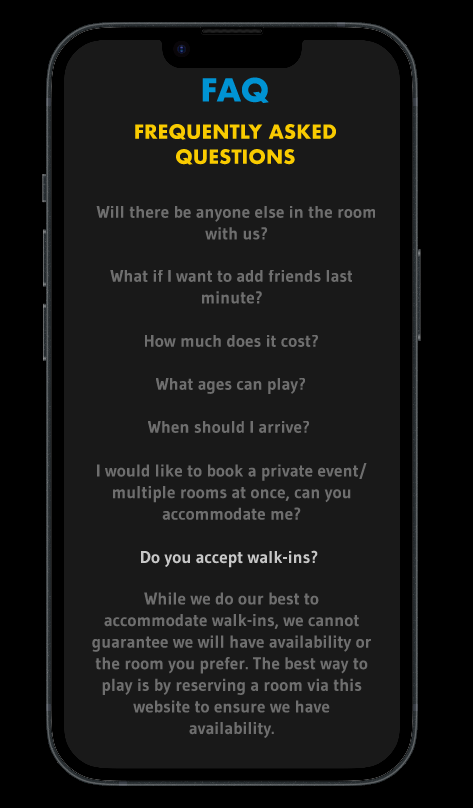
Their insights were invaluable. Having started with just a broad idea of my task, I now had a list of actionable insights, as well as more general guidelines to follow. Here is what I learned from interviewing my clients: The website should be fun but not too childish. The website needs to be easy to follow. Customers often have the same questions, and the website needs to answer those for them. Most importantly, the website needs to be geared for mobile. The majority of site visitors were using mobile devices, so the experience has to be tailored for that.
Step 2: Design
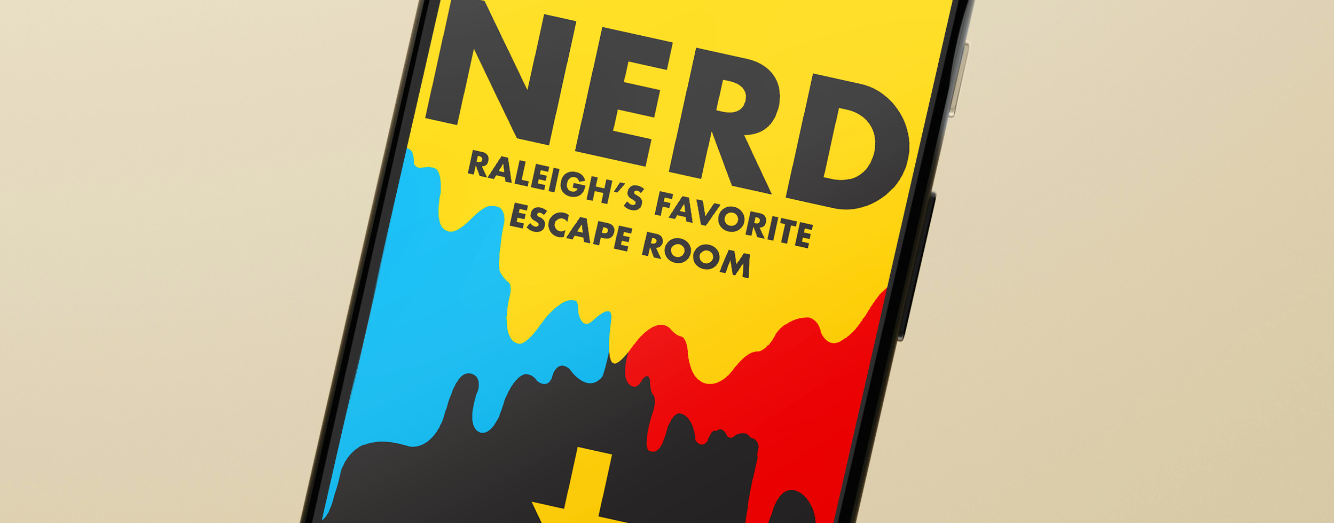
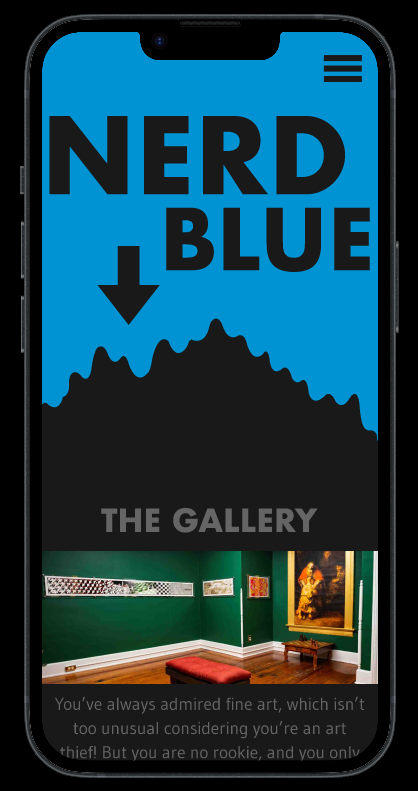
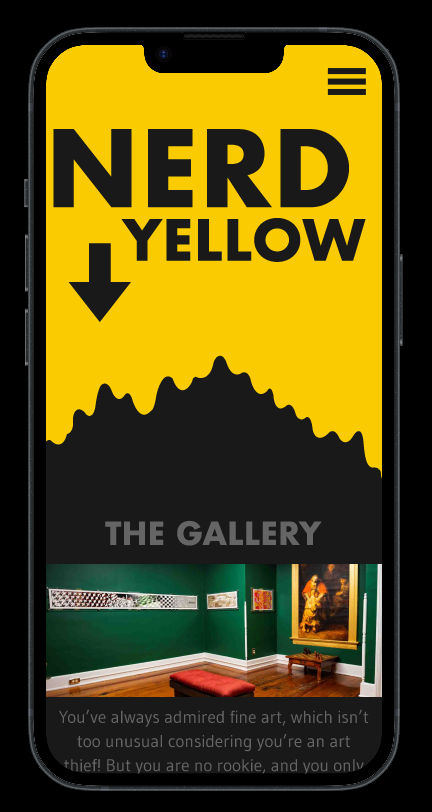
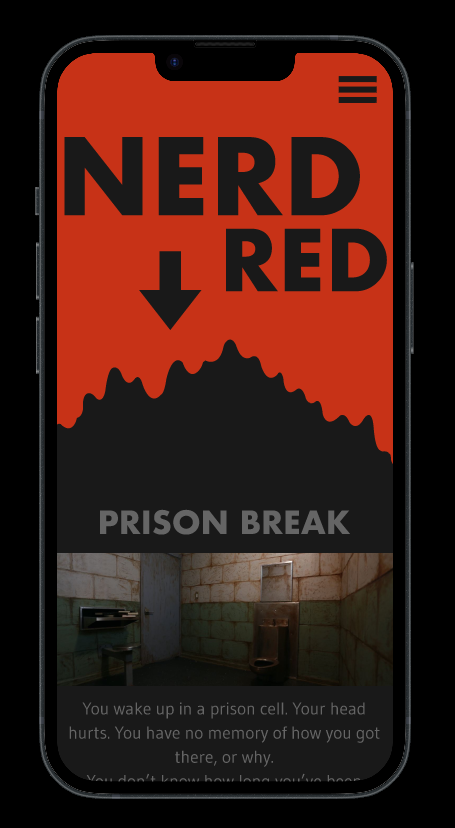
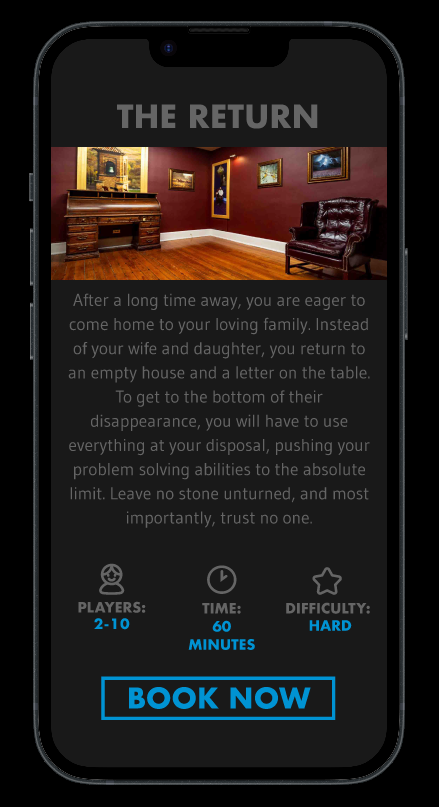
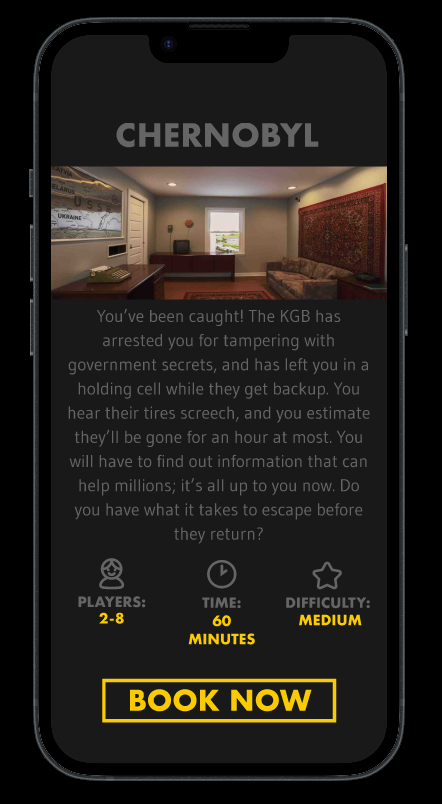
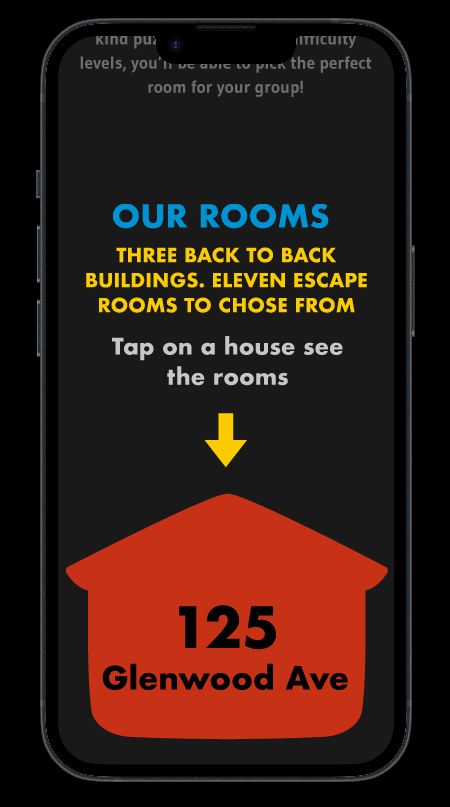
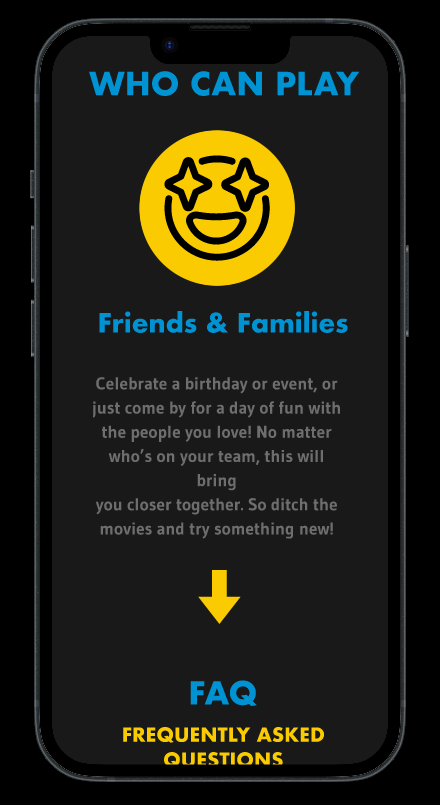
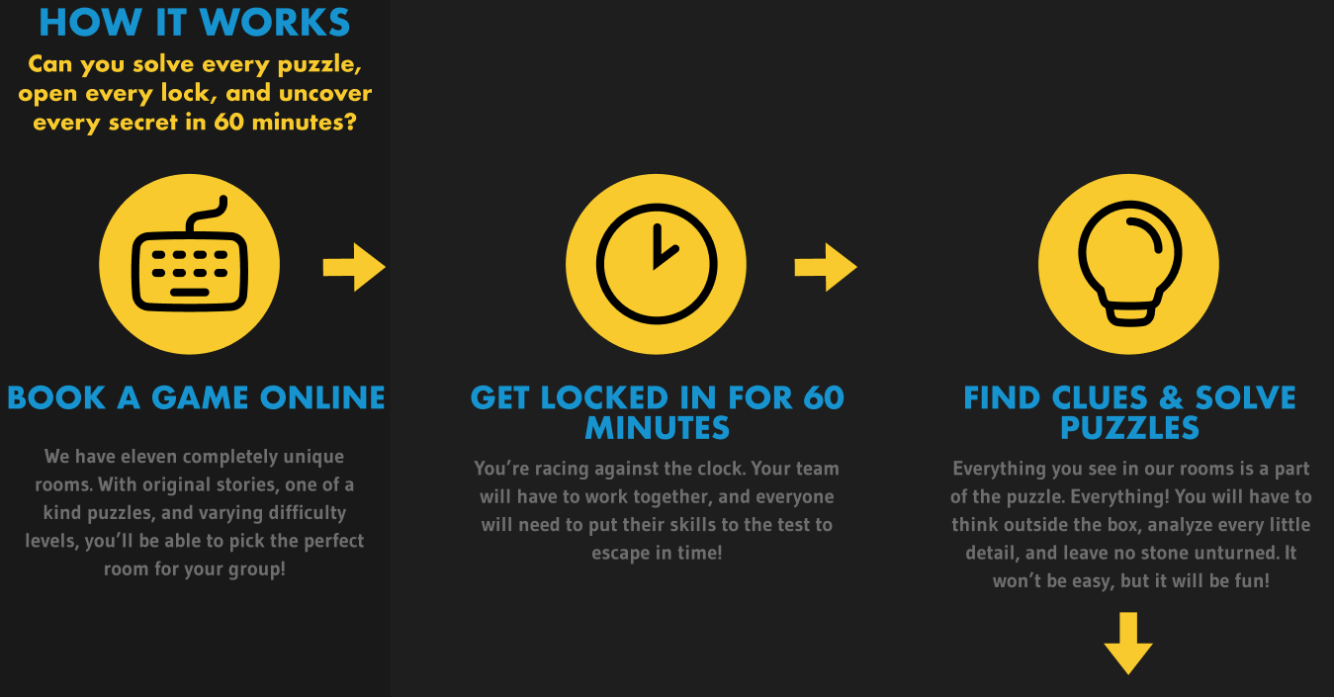
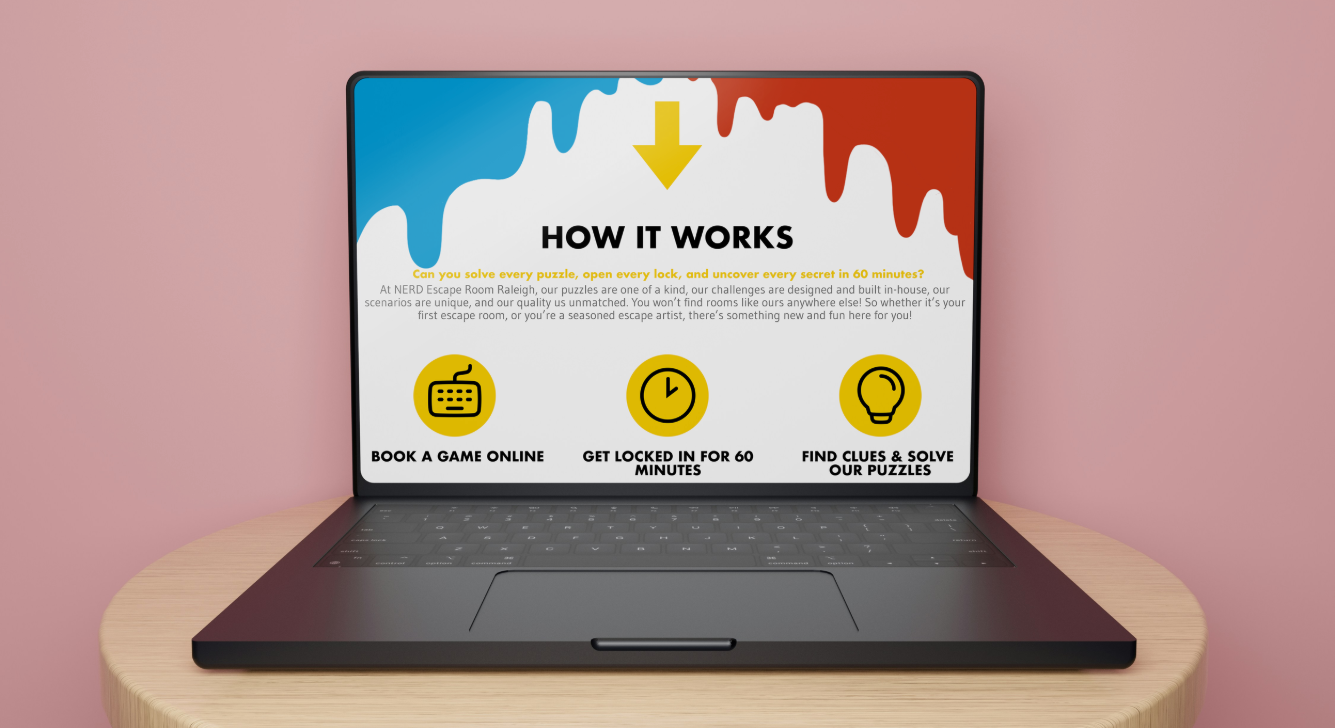
NERD is comprised of three buildings, all back to back, with different escape rooms in each one. To avoid confusion, the buildings are named after colors: NERD Red, Nerd Blue, and NERD Yellow. This made for a fantastic design theme. I decided to build my design around the three primary colors: having each one fulfill different functions throughout the site, as well as some neutral colors for the other elements. Red would signify an element was clickable. Blue would be used for headings. Yellow would be used in graphic icons and subheadings. Each building would also get its own page, in which elements would be color coded to match that building’s title. I designed the mobile and desktop versions side by side, sharing elements but differing in flow and composition. I wanted the desktop version to be more open and minimalistic, with the assets being neatly composed on a large white background. For the mobile version, I went for a more guided navigation, leading the customer through all the important information, but doing so in a playful and interactive way(something escape room fans would enjoy).
Instead of building the site for desktop and then optimizing for mobile, or vice versa, I opted to build a very rough prototype, then develop the desktop and mobile versions independently.
Step 4: Designing for Mobile
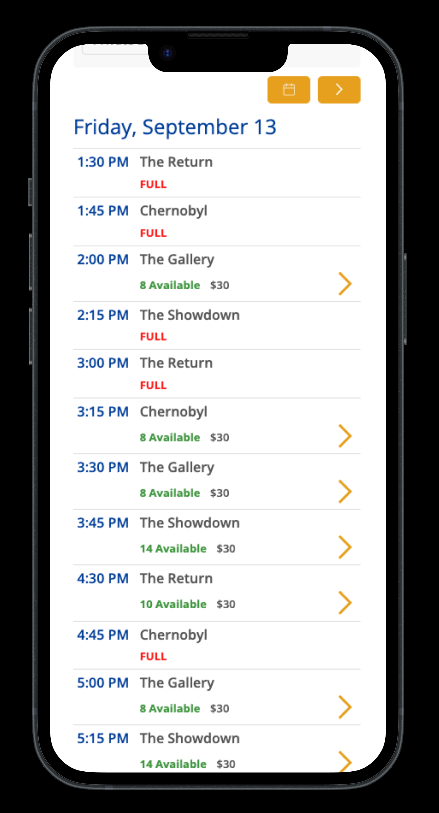
There was a good bit of information I had to express, and in a very limited space. I did not want to just display everything as one long page, with people scrolling and skipping through most of it and then finding themselves confused. I wanted the experience to be tactile, and the environment to be designed with simplicity in mind. In the mobile version, I added yellow arrows throughout the page, guiding the customer where to swipe. Some of the information requires them to horizontally swipe left, then swipe right on the next segment, to reveal the next guiding arrow. By varying the types of interaction, the site would express that its product is a hands-on activity. To balance this, I kept everything else as simple as possible by simplifying certain features and navigational elements. Keeping things streamlined is how I would avoid going from “fun” to “cluttered”.
Both prototypes are available below: